Our Blog
STRINEX advances eco-friendly technologies, reducing fossil fuel reliance and supporting sustainable living. Our mission is to lead renewable energy and sustainable infrastructure through innovation and efficiency.
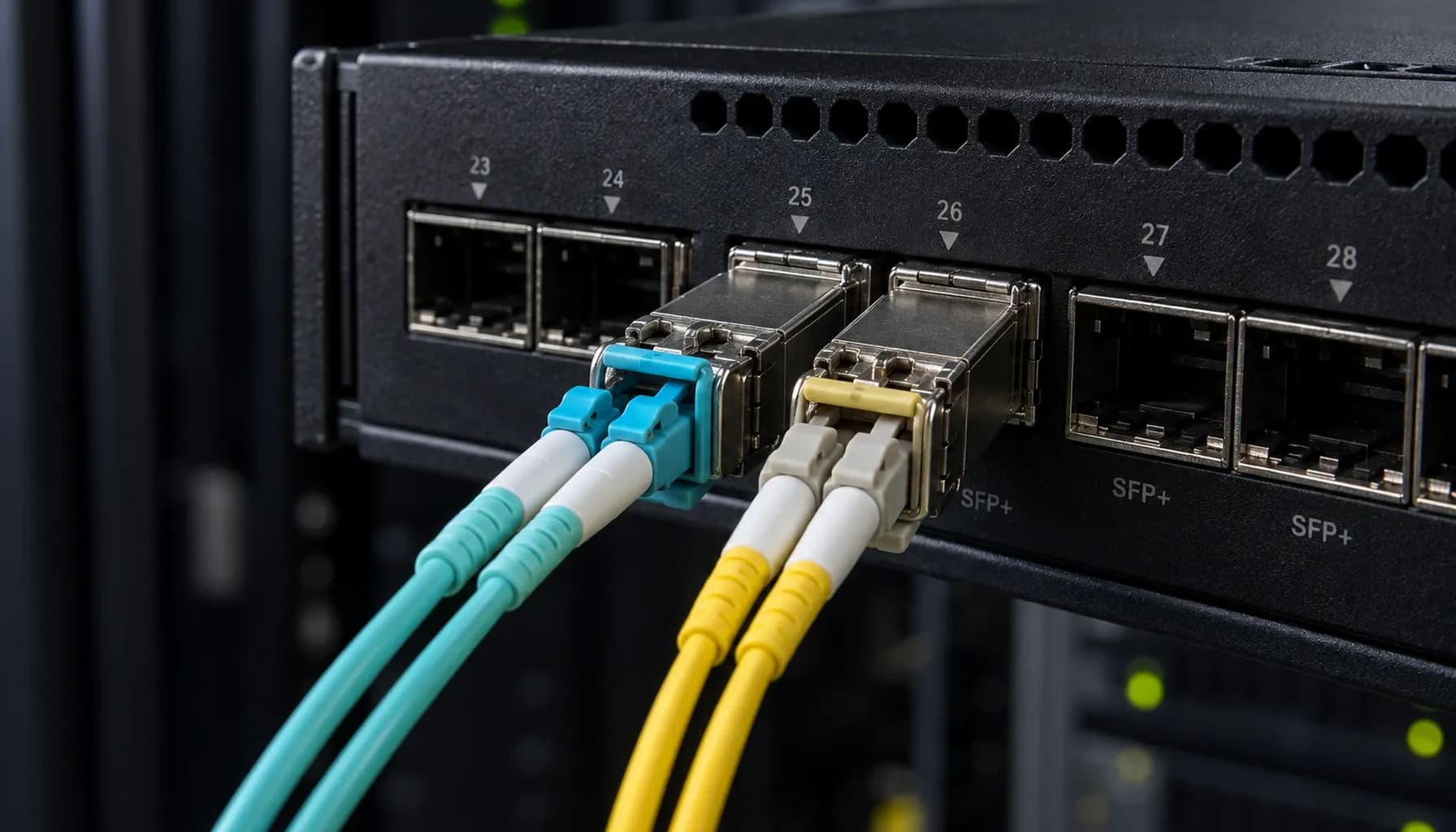
Deploying 100G DAC vs AOC in UAE Data Centers: Installation Standards, Bend Radius & Bring-Up Checklist
Deploying 100G DAC vs AOC in UAE Data Centers: Installation Standards, Bend Radius & Bring-Up Checklist Introduction: The 100G Connectivity Challenge in UAE Data Centers In the rapidly evolving landscape of UAE data centers, the demand for high-speed, reliable, and cost-effective 100G connectivity solutions is at an all-time high. As data center architects and network engineers, we are tasked with deploying these high-speed connections using either Direct Attach Copper (DAC) or Active Optical Cables (AOC) for Top-of-Rack (ToR) switch interconnects. This article delves into the practical aspects of deploying 100G DAC and AOC cables, focusing on installation standards, bend radius considerations, and a comprehensive bring-up checklist. We will also provide multi-vendor switch compatibility and CLI configuration examples for Cisco, Arista, and Juniper switches. 1. DAC vs AOC: A High-Density Comparison Key Specifications and Standards When selecting between DAC and AOC for 100G ToR interconnects, it's crucial to understand the technical specifications, standards, and metrics that differentiate these solutions. The following table provides a high-density comparison: | **Specification** | **100G DAC** | **100G AOC** | |----------------------------|------------------------------------------------------------------------------|------------------------------------------------------------------------------| | **Cable Type** | Twin-axial copper cable | Multimode fiber optic cable | | **Reach** | Up to 5 meters | Up to 100 meters | | **Power Consumption** | Lower (typically < 1W per port) | Higher (typically 1-2W per port) | | **Bend Radius** | Less flexible, minimum bend radius of 1 inch | More flexible, minimum bend radius of 1.5 inches | | **Latency** | Lower (sub-1 microsecond) | Slightly higher (1-2 microseconds) | | **Cost** | Lower per meter | Higher per meter | | **Standards Compliance** | SFF-8402, SFF-8419, IEEE 802.3bj | SFF-8431, SFF-8636, IEEE 802.3bm | | **EMI/RFI Immunity** | Susceptible to electromagnetic interference | Immune to electromagnetic interference | | **Typical Use Cases** | Short-reach, high-density environments (e.g., intra-rack connections) | Longer-reach, flexible deployments (e.g., inter-rack connections) | Key takeaway: DAC is ideal for short-reach, cost-sensitive applications, while AOC offers greater flexibility and reach at a higher cost. Vendor-Specific Considerations Cisco: Cisco's SFP-100G-DAC and QSFP-100G-AOC modules are widely used in Catalyst and Nexus series switches. Cisco's DAC cables are known for their robust build and reliability, while their AOC cables offer excellent signal integrity. Arista: Arista's 100G DAC and AOC solutions are designed for high-performance computing and data center environments. The Arista 7050X series switches are compatible with both DAC and AOC, with AOC being the preferred choice for longer distances. Juniper: Juniper's QFX series switches support both DAC and AOC, with the QFX10002 being a popular choice for 100G deployments. Juniper's DAC cables are optimized for low latency and high throughput. 2. Installation Standards and Bend Radius DAC Installation Standards Bend Radius: DAC cables have a minimum bend radius of 1 inch. Exceeding this can cause signal degradation and potential damage to the cable. Routing: DAC cables should be routed in a manner that avoids sharp bends and excessive tension. Use cable management arms and trays to secure and organize cables. Grounding: Proper grounding is essential to prevent electromagnetic interference. Ensure that the cable's shielding is connected to the switch's grounding point. AOC Installation Standards Bend Radius: AOC cables are more flexible, with a minimum bend radius of 1.5 inches. However, excessive bending should still be avoided to prevent fiber damage. Routing: AOC cables can be routed more flexibly than DAC cables, but they should still be secured to prevent strain on the connectors. Cleaning: Fiber optic connectors are sensitive to contamination. Use appropriate cleaning tools and techniques to maintain connector cleanliness. Strinex Spec Sheet: DAC vs AOC Hardware Comparison in ToR — Reach, Power, Latency & Vendor Benchmarks For a more detailed comparison of DAC and AOC hardware specifications, including reach, power consumption, latency, and vendor benchmarks, refer to our comprehensive spec sheet. 3. Multi-Vendor Switch Compatibility and CLI Configuration Cisco Configuration Example Arista Configuration Example Juniper Configuration Example Direct Attach Copper (DAC) vs Active Optical Cables (AOC) in ToR: Comprehensive Engineering & Architecture Guide: The Complete UAE Engineering Guide (2026) For a comprehensive guide on DAC and AOC engineering and architecture, including detailed configuration examples and best practices, refer to our complete UAE engineering guide. 4. Bring-Up Checklist for 100G DAC and AOC Deployments Pre-Installation Verify Compatibility: Ensure that the DAC or AOC cables are compatible with the switch models and configurations. Inspect Cables: Check for any physical damage or defects in the cables and connectors. Plan Routing: Plan the cable routing to avoid interference with other equipment and ensure proper bend radius compliance. Installation Secure Connections: Insert the cables into the switch ports and server ports firmly. Ensure that the connectors are fully seated. Route Cables: Route the cables according to the planned path, ensuring that the bend radius is not exceeded. Secure Cables: Use cable ties and trays to secure the cables and prevent strain on the connectors. Post-Installation Inspect Connections: Verify that all connections are secure and that there are no loose cables. Check Link Status: Use the switch CLI to check the link status and ensure that the 100G connection is up. Monitor Performance: Monitor the link performance for any signs of signal degradation or errors. OS2 vs OM3/OM4 Migration Roadmap 2026: Future-Proofing UAE Fiber Without Forklift Upgrades For insights into future-proofing your fiber infrastructure, including migration strategies for OS2 and OM3/OM4 fibers, refer to our migration roadmap. 5. Capex vs Opex: Cost Engineering and ROI Benchmarks Cost Considerations Initial Costs: DAC cables have a lower initial cost compared to AOC cables. However, AOC cables offer longer reach and greater flexibility, which can reduce the need for additional equipment and infrastructure. Operational Costs: AOC cables consume more power than DAC cables, which can impact operational costs over time. However, the flexibility and reach of AOC can lead to lower maintenance and replacement costs. Capex vs Opex for Single-Mode OS2 and Multi-Mode OM3/OM4 Fiber Backbones: UAE Cost Engineering & ROI Benchmarks For a detailed analysis of capex and opex for different fiber backbone solutions, including OS2 and OM3/OM4 fibers, refer to our cost engineering and ROI benchmarks. Conclusion Deploying 100G DAC and AOC cables in UAE data centers requires careful consideration of installation standards, bend radius, and multi-vendor compatibility. By following the guidelines outlined in this article and leveraging the resources provided, you can ensure a successful and efficient deployment that meets the high-speed connectivity demands of your data center. Key takeaway: DAC and AOC each have their own advantages and trade-offs. Understanding these can help you make an informed decision that aligns with your data center's specific needs and constraints. By adhering to the installation standards and best practices, and by utilizing the appropriate CLI configurations, you can ensure optimal performance and reliability for your 100G interconnects.

Categories
Popular Tags
Deploying 100G DAC vs AOC in UAE Data Centers: Installation Standards, Bend Radius & Bring-Up Checklist
Deploying 100G DAC vs AOC in UAE Data Centers: Installation Standards, Bend Radius & Bring-Up Checklist Introduction: The 100G Connectivity Challenge in UAE Data Centers In the rapidly evolving landscape of UAE data centers, the demand for high-speed, reliable, and cost-effective 100G connectivity solutions is at an all-time high. As data center architects and network engineers, we are tasked with deploying these high-speed connections using either Direct Attach Copper (DAC) or Active Optical Cables (AOC) for Top-of-Rack (ToR) switch interconnects. This article delves into the practical aspects of deploying 100G DAC and AOC cables, focusing on installation standards, bend radius considerations, and a comprehensive bring-up checklist. We will also provide multi-vendor switch compatibility and CLI configuration examples for Cisco, Arista, and Juniper switches. 1. DAC vs AOC: A High-Density Comparison Key Specifications and Standards When selecting between DAC and AOC for 100G ToR interconnects, it's crucial to understand the technical specifications, standards, and metrics that differentiate these solutions. The following table provides a high-density comparison: | **Specification** | **100G DAC** | **100G AOC** | |----------------------------|------------------------------------------------------------------------------|------------------------------------------------------------------------------| | **Cable Type** | Twin-axial copper cable | Multimode fiber optic cable | | **Reach** | Up to 5 meters | Up to 100 meters | | **Power Consumption** | Lower (typically < 1W per port) | Higher (typically 1-2W per port) | | **Bend Radius** | Less flexible, minimum bend radius of 1 inch | More flexible, minimum bend radius of 1.5 inches | | **Latency** | Lower (sub-1 microsecond) | Slightly higher (1-2 microseconds) | | **Cost** | Lower per meter | Higher per meter | | **Standards Compliance** | SFF-8402, SFF-8419, IEEE 802.3bj | SFF-8431, SFF-8636, IEEE 802.3bm | | **EMI/RFI Immunity** | Susceptible to electromagnetic interference | Immune to electromagnetic interference | | **Typical Use Cases** | Short-reach, high-density environments (e.g., intra-rack connections) | Longer-reach, flexible deployments (e.g., inter-rack connections) | Key takeaway: DAC is ideal for short-reach, cost-sensitive applications, while AOC offers greater flexibility and reach at a higher cost. Vendor-Specific Considerations Cisco: Cisco's SFP-100G-DAC and QSFP-100G-AOC modules are widely used in Catalyst and Nexus series switches. Cisco's DAC cables are known for their robust build and reliability, while their AOC cables offer excellent signal integrity. Arista: Arista's 100G DAC and AOC solutions are designed for high-performance computing and data center environments. The Arista 7050X series switches are compatible with both DAC and AOC, with AOC being the preferred choice for longer distances. Juniper: Juniper's QFX series switches support both DAC and AOC, with the QFX10002 being a popular choice for 100G deployments. Juniper's DAC cables are optimized for low latency and high throughput. 2. Installation Standards and Bend Radius DAC Installation Standards Bend Radius: DAC cables have a minimum bend radius of 1 inch. Exceeding this can cause signal degradation and potential damage to the cable. Routing: DAC cables should be routed in a manner that avoids sharp bends and excessive tension. Use cable management arms and trays to secure and organize cables. Grounding: Proper grounding is essential to prevent electromagnetic interference. Ensure that the cable's shielding is connected to the switch's grounding point. AOC Installation Standards Bend Radius: AOC cables are more flexible, with a minimum bend radius of 1.5 inches. However, excessive bending should still be avoided to prevent fiber damage. Routing: AOC cables can be routed more flexibly than DAC cables, but they should still be secured to prevent strain on the connectors. Cleaning: Fiber optic connectors are sensitive to contamination. Use appropriate cleaning tools and techniques to maintain connector cleanliness. Strinex Spec Sheet: DAC vs AOC Hardware Comparison in ToR — Reach, Power, Latency & Vendor Benchmarks For a more detailed comparison of DAC and AOC hardware specifications, including reach, power consumption, latency, and vendor benchmarks, refer to our comprehensive spec sheet. 3. Multi-Vendor Switch Compatibility and CLI Configuration Cisco Configuration Example Arista Configuration Example Juniper Configuration Example Direct Attach Copper (DAC) vs Active Optical Cables (AOC) in ToR: Comprehensive Engineering & Architecture Guide: The Complete UAE Engineering Guide (2026) For a comprehensive guide on DAC and AOC engineering and architecture, including detailed configuration examples and best practices, refer to our complete UAE engineering guide. 4. Bring-Up Checklist for 100G DAC and AOC Deployments Pre-Installation Verify Compatibility: Ensure that the DAC or AOC cables are compatible with the switch models and configurations. Inspect Cables: Check for any physical damage or defects in the cables and connectors. Plan Routing: Plan the cable routing to avoid interference with other equipment and ensure proper bend radius compliance. Installation Secure Connections: Insert the cables into the switch ports and server ports firmly. Ensure that the connectors are fully seated. Route Cables: Route the cables according to the planned path, ensuring that the bend radius is not exceeded. Secure Cables: Use cable ties and trays to secure the cables and prevent strain on the connectors. Post-Installation Inspect Connections: Verify that all connections are secure and that there are no loose cables. Check Link Status: Use the switch CLI to check the link status and ensure that the 100G connection is up. Monitor Performance: Monitor the link performance for any signs of signal degradation or errors. OS2 vs OM3/OM4 Migration Roadmap 2026: Future-Proofing UAE Fiber Without Forklift Upgrades For insights into future-proofing your fiber infrastructure, including migration strategies for OS2 and OM3/OM4 fibers, refer to our migration roadmap. 5. Capex vs Opex: Cost Engineering and ROI Benchmarks Cost Considerations Initial Costs: DAC cables have a lower initial cost compared to AOC cables. However, AOC cables offer longer reach and greater flexibility, which can reduce the need for additional equipment and infrastructure. Operational Costs: AOC cables consume more power than DAC cables, which can impact operational costs over time. However, the flexibility and reach of AOC can lead to lower maintenance and replacement costs. Capex vs Opex for Single-Mode OS2 and Multi-Mode OM3/OM4 Fiber Backbones: UAE Cost Engineering & ROI Benchmarks For a detailed analysis of capex and opex for different fiber backbone solutions, including OS2 and OM3/OM4 fibers, refer to our cost engineering and ROI benchmarks. Conclusion Deploying 100G DAC and AOC cables in UAE data centers requires careful consideration of installation standards, bend radius, and multi-vendor compatibility. By following the guidelines outlined in this article and leveraging the resources provided, you can ensure a successful and efficient deployment that meets the high-speed connectivity demands of your data center. Key takeaway: DAC and AOC each have their own advantages and trade-offs. Understanding these can help you make an informed decision that aligns with your data center's specific needs and constraints. By adhering to the installation standards and best practices, and by utilizing the appropriate CLI configurations, you can ensure optimal performance and reliability for your 100G interconnects.
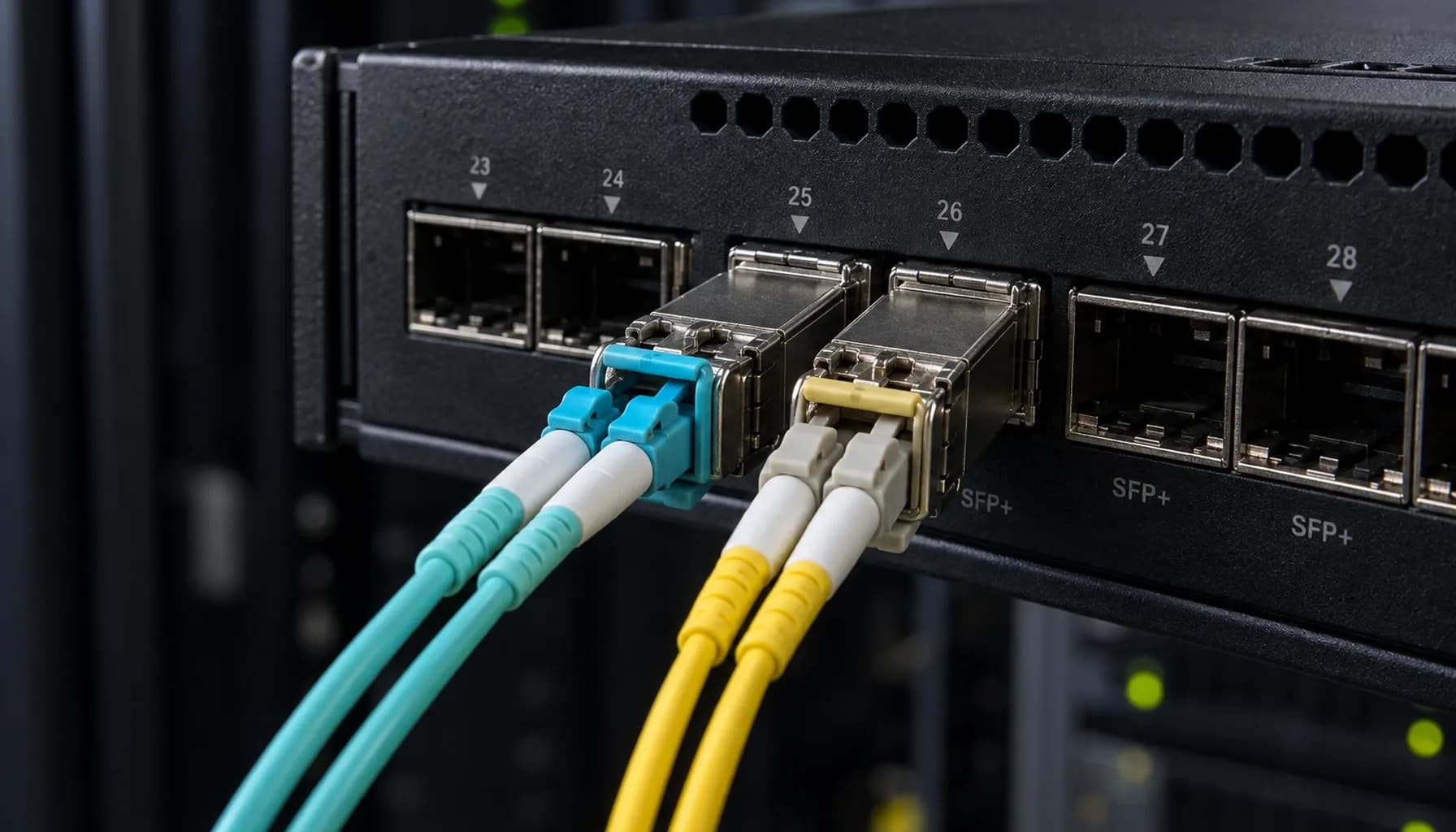
Strinex Spec Sheet: DAC vs AOC Hardware Comparison in ToR — Reach, Power, Latency & Vendor Benchmarks
Strinex Spec Sheet: DAC vs AOC Hardware Comparison in ToR — Reach, Power, Latency & Vendor Benchmarks In the realm of data center networking, the choice between Direct Attach Copper (DAC) and Active Optical Cables (AOC) for Top-of-Rack (ToR) connections is pivotal. This decision impacts not just performance but also cost, power consumption, and scalability. In this technical guide, we delve into the real-world deployment scenarios involving Cisco Catalyst/Nexus, Arista 7050X, and Juniper QFX switches to provide a comprehensive comparison of DAC and AOC technologies. 1. Reach and Distance Considerations DAC vs AOC: Understanding the Limits Direct Attach Copper (DAC) cables are typically limited to shorter distances, usually up to 10 meters for passive DAC and up to 15 meters for active DAC. This limitation is due to the inherent signal attenuation in copper cables. In contrast, Active Optical Cables (AOC) can extend up to 100 meters or more, depending on the fiber type and transceiver specifications. Passive DAC : Ideal for short-reach applications within a rack or between adjacent racks. Active DAC : Suitable for slightly longer distances, such as between racks in a data center row. AOC : Best for longer distances, such as between rows or even between data center buildings. Key takeaway: DAC is best for short-reach applications, while AOC is preferred for longer distances and higher bandwidth requirements. Real-World Deployment Scenarios In a Cisco Nexus 9000 series deployment, passive DAC is often used for intra-rack connections due to its cost-effectiveness and low power consumption. However, for inter-rack connections, active DAC or AOC is preferred to ensure signal integrity over longer distances. Similarly, in Arista 7050X and Juniper QFX deployments, AOC is commonly used for connections that span multiple racks or rows. 2. Power Consumption and Heat Dissipation DAC: Low Power, High Efficiency DAC cables are passive and do not require additional power, making them highly efficient in terms of power consumption. This characteristic also means they generate less heat, which is a critical factor in high-density data center environments. AOC: Power and Heat Considerations AOC cables contain active components that require power, albeit minimal. The power consumption of AOC cables is typically in the range of 0.5 to 1.5 watts per cable, depending on the length and data rate. While this is negligible for a single cable, it can add up in high-density deployments. Cisco Catalyst/Nexus : AOC cables are often used in these switches for their flexibility and reach, but careful consideration is given to power and heat management in high-density environments. Arista 7050X : AOC cables are preferred for their ability to handle longer distances without significant power overhead. Juniper QFX : AOC cables are used for their reliability and performance, with power consumption managed through efficient switch design. Key takeaway: DAC cables offer lower power consumption and heat generation, making them suitable for high-density environments, while AOC cables provide flexibility at the expense of slightly higher power usage. 3. Latency and Performance DAC: Ultra-Low Latency DAC cables offer ultra-low latency due to their direct copper connection. This makes them ideal for applications requiring high-speed, low-latency connections, such as high-frequency trading and real-time data processing. AOC: Minimal Latency Impact AOC cables introduce minimal latency due to the active components and optical conversion process. However, this latency is negligible for most applications and is often outweighed by the benefits of longer reach and higher bandwidth. Cisco Catalyst/Nexus : AOC cables are used in these switches for their performance and reliability, with latency being a non-issue for most applications. Arista 7050X : AOC cables are preferred for their ability to maintain high performance over longer distances. Juniper QFX : AOC cables are chosen for their reliability and performance, with latency being managed through efficient network design. Key takeaway: DAC cables offer ultra-low latency, making them ideal for latency-sensitive applications, while AOC cables provide sufficient performance for most use cases. 4. Multi-Vendor Switch Compatibility and Configuration DAC and AOC Compatibility Both DAC and AOC cables are compatible with a wide range of switches from vendors such as Cisco, Arista, and Juniper. However, it is crucial to ensure that the cables meet the specific standards and specifications required by the switch manufacturer. Configuration Examples Cisco Catalyst/Nexus Configuration Arista 7050X Configuration Juniper QFX Configuration Key takeaway: Both DAC and AOC cables are compatible with major switch vendors, but proper configuration and adherence to manufacturer specifications are essential for optimal performance. 5. Vendor Benchmarks and Recommendations DAC vs AOC: Vendor Benchmarks | Specification | DAC (Passive) | DAC (Active) | AOC | |---------------|---------------|---------------|-----| | Reach | Up to 10m | Up to 15m | Up to 100m+ | | Power Consumption | None | Low | Low | | Latency | Ultra-Low | Low | Low | | Cost | Low | Medium | High | | Heat Generation | Low | Low | Low | Recommendations Cisco Catalyst/Nexus : For intra-rack connections, use passive DAC. For inter-rack connections, use active DAC or AOC. Arista 7050X : Use AOC for its flexibility and performance, especially in environments where distance is a concern. Juniper QFX : Use AOC for reliability and performance, with DAC reserved for short-reach, cost-sensitive applications. Key takeaway: The choice between DAC and AOC should be based on the specific requirements of the deployment, including reach, power, latency, and cost. Conclusion In summary, the decision between DAC and AOC for ToR connections is influenced by several factors, including reach, power consumption, latency, and cost. DAC cables offer a cost-effective, low-power solution for short-reach applications, while AOC cables provide the flexibility and performance needed for longer distances and higher bandwidths. For more detailed insights into DAC and AOC technologies, refer to our comprehensive guide: Direct Attach Copper (DAC) vs Active Optical Cables (AOC) in ToR: Comprehensive Engineering & Architecture Guide: The Complete UAE Engineering Guide (2026) . Additionally, explore our resources on fiber migration and cost engineering for a complete understanding of data center networking solutions: OS2 vs OM3/OM4 Migration Roadmap 2026: Future-Proofing UAE Fiber Without Forklift Upgrades and Capex vs Opex for Single-Mode OS2 and Multi-Mode OM3/OM4 Fiber Backbones: UAE Cost Engineering & ROI Benchmarks .
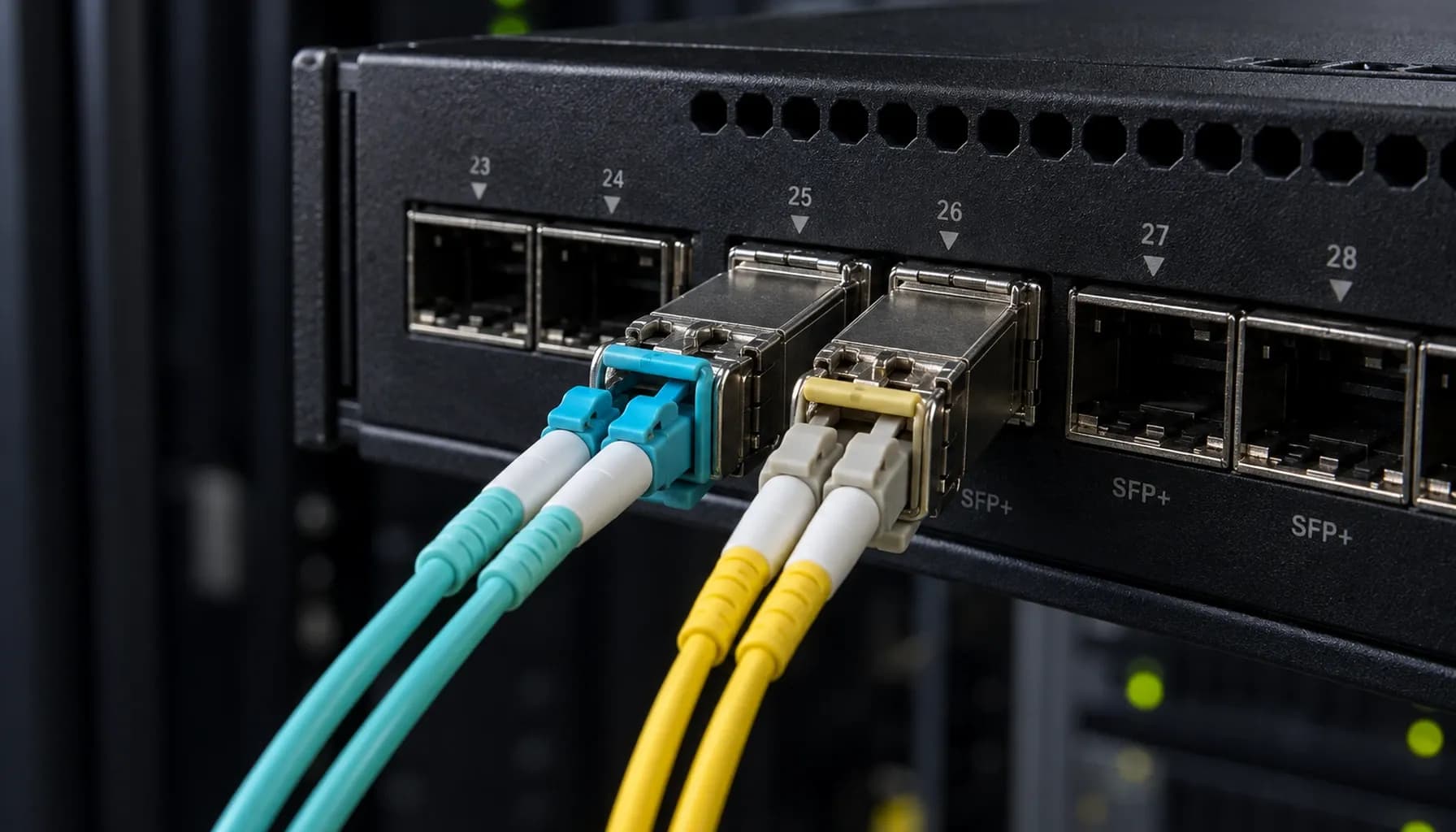
Direct Attach Copper (DAC) vs Active Optical Cables (AOC) in ToR: Comprehensive Engineering & Architecture Guide: The Complete UAE Engineering Guide (2026)
Direct Attach Copper (DAC) vs Active Optical Cables (AOC) in ToR: Comprehensive Engineering & Architecture Guide: The Complete UAE Engineering Guide (2026) In the rapidly evolving landscape of data center networking in the UAE, selecting the right interconnect technology for Top-of-Rack (ToR) deployments is critical for performance, cost-efficiency, and scalability. This guide delves into the nuanced comparison between Direct Attach Copper (DAC) and Active Optical Cables (AOC) for ToR applications, focusing on real-world deployments with Cisco Catalyst/Nexus, Arista 7050X, and Juniper QFX switches. 1. DAC vs AOC: Core Differences and Use Cases Understanding DAC and AOC Direct Attach Copper (DAC) cables are passive, twin-axial copper cables with connectors on both ends, designed for short-reach interconnects within racks or between adjacent racks. They are commonly used for connections up to 10 meters, offering a cost-effective solution for high-speed data transmission. Active Optical Cables (AOC) , on the other hand, use fiber optic technology with integrated transceivers to extend the reach of connections up to 100 meters or more. AOCs are ideal for environments requiring longer reach, higher bandwidth, and immunity to electromagnetic interference (EMI). Key Considerations for UAE Data Centers In the UAE, where data centers are often located in densely packed urban areas or industrial zones with high temperatures and potential EMI, the choice between DAC and AOC can significantly impact network reliability and performance. DAC Use Cases : Ideal for short-reach, high-density connections within the same rack or adjacent racks. Commonly used in server-to-switch and switch-to-switch connections in environments where cost and power consumption are critical factors. AOC Use Cases : Best suited for longer distances, such as connections between racks or across data center aisles. AOCs are preferred in environments where EMI is a concern or where higher bandwidth is required. Key takeaway : DAC is optimal for cost-sensitive, short-reach applications, while AOC is ideal for longer distances and environments with EMI concerns. 2. High-Density Comparison: DAC vs AOC Specifications, Standards, and Metrics | Feature | DAC | AOC | |------------------------|---------------------------------------------------------------------|---------------------------------------------------------------------| | **Cost** | Lower cost per meter | Higher cost per meter | | **Reach** | Up to 10 meters | Up to 100 meters or more | | **Bandwidth** | Up to 400 Gbps (depending on standard) | Up to 400 Gbps (depending on standard) | | **Power Consumption** | Lower | Slightly higher due to integrated transceivers | | **EMI Immunity** | Low | High | | **Latency** | Lower | Slightly higher | | **Standards** | SFP+, QSFP+, QSFP28, etc. | SFP+, QSFP+, QSFP28, etc. | | **Typical Applications** | Server-to-switch, switch-to-switch within racks or adjacent racks | Switch-to-switch across racks, environments with EMI concerns | | **Maintenance** | Easier due to simpler construction | More complex due to integrated transceivers | | **Weight** | Heavier | Lighter | Analysis Cost : DAC cables are generally more affordable, making them a preferred choice for short-reach applications. Reach and Bandwidth : AOC cables offer greater reach and are available in higher bandwidth options, making them suitable for longer distances and high-density environments. Power Consumption and EMI Immunity : AOCs consume slightly more power but provide better EMI immunity, which is crucial in environments with high electromagnetic interference. Key takeaway : The choice between DAC and AOC should be based on the specific requirements of the deployment, including reach, bandwidth, and environmental factors. 3. Multi-Vendor Switch Compatibility and CLI Configuration Cisco, Arista, and Juniper Compatibility Both DAC and AOC cables are widely supported across major switch vendors, including Cisco, Arista, and Juniper. Below are example configurations for Cisco and Arista switches. Cisco Catalyst/Nexus Configuration Arista 7050X Configuration Juniper QFX Configuration Key takeaway : DAC and AOC cables are compatible with major switch vendors, but proper configuration is essential to ensure optimal performance. 4. Real-World Deployment Considerations in the UAE Environmental Factors In the UAE, data centers often face challenges such as high temperatures, humidity, and power surges. When selecting DAC or AOC cables, consider the following: Temperature and Humidity : DAC cables are more susceptible to temperature fluctuations and humidity, which can affect their performance. AOCs, with their fiber optic construction, are more resilient in such environments. Power Surges : AOCs, with their integrated transceivers, may offer better protection against power surges compared to DAC cables. OS2 vs OM3/OM4 Migration Roadmap 2026: Future-Proofing UAE Fiber Without Forklift Upgrades When deploying AOCs, it's crucial to align with the migration roadmap for fiber types. This article provides insights into future-proofing fiber infrastructure in the UAE. Capex vs Opex for Single-Mode OS2 and Multi-Mode OM3/OM4 Fiber Backbones: UAE Cost Engineering & ROI Benchmarks Understanding the cost implications of DAC and AOC deployments is vital. This article offers benchmarks for cost engineering and ROI analysis in the UAE context. OS2 vs OM3/OM4 in Dubai Industrial Estates: Specifying Fiber for Heat, Humidity & Power-Surge Compliance For deployments in industrial areas, this article provides guidance on selecting the right fiber types for compliance with environmental challenges. 5. Troubleshooting and Maintenance Strinex Engineer's Handbook: Troubleshooting Single-Mode (OS2) vs Multi-Mode (OM3/OM4) - From DOM Alarms to OTDR Event Analysis on Cisco, Arista & Juniper Effective troubleshooting is essential for maintaining network integrity. This handbook provides comprehensive guidance on troubleshooting DAC and AOC connections on Cisco, Arista, and Juniper switches. Key Maintenance Tips Regular Inspections : Regularly inspect connectors for dust and damage. Proper Storage : Store cables in a controlled environment to prevent degradation. Documentation : Maintain detailed documentation of cable types, lengths, and configurations. Key takeaway : Regular maintenance and proper troubleshooting are crucial for ensuring the longevity and reliability of DAC and AOC deployments. Conclusion Selecting between DAC and AOC for ToR deployments in the UAE requires a thorough understanding of the specific needs of the data center environment. By considering factors such as reach, bandwidth, environmental conditions, and cost, network engineers can make informed decisions that ensure optimal performance and reliability. With the right configuration and maintenance, both DAC and AOC can provide robust solutions for high-speed data transmission in modern data centers. --- This guide aims to equip UAE-based engineers with the knowledge needed to make strategic decisions in their data center interconnect strategies. By leveraging the insights provided, you can enhance the efficiency and resilience of your network infrastructure.
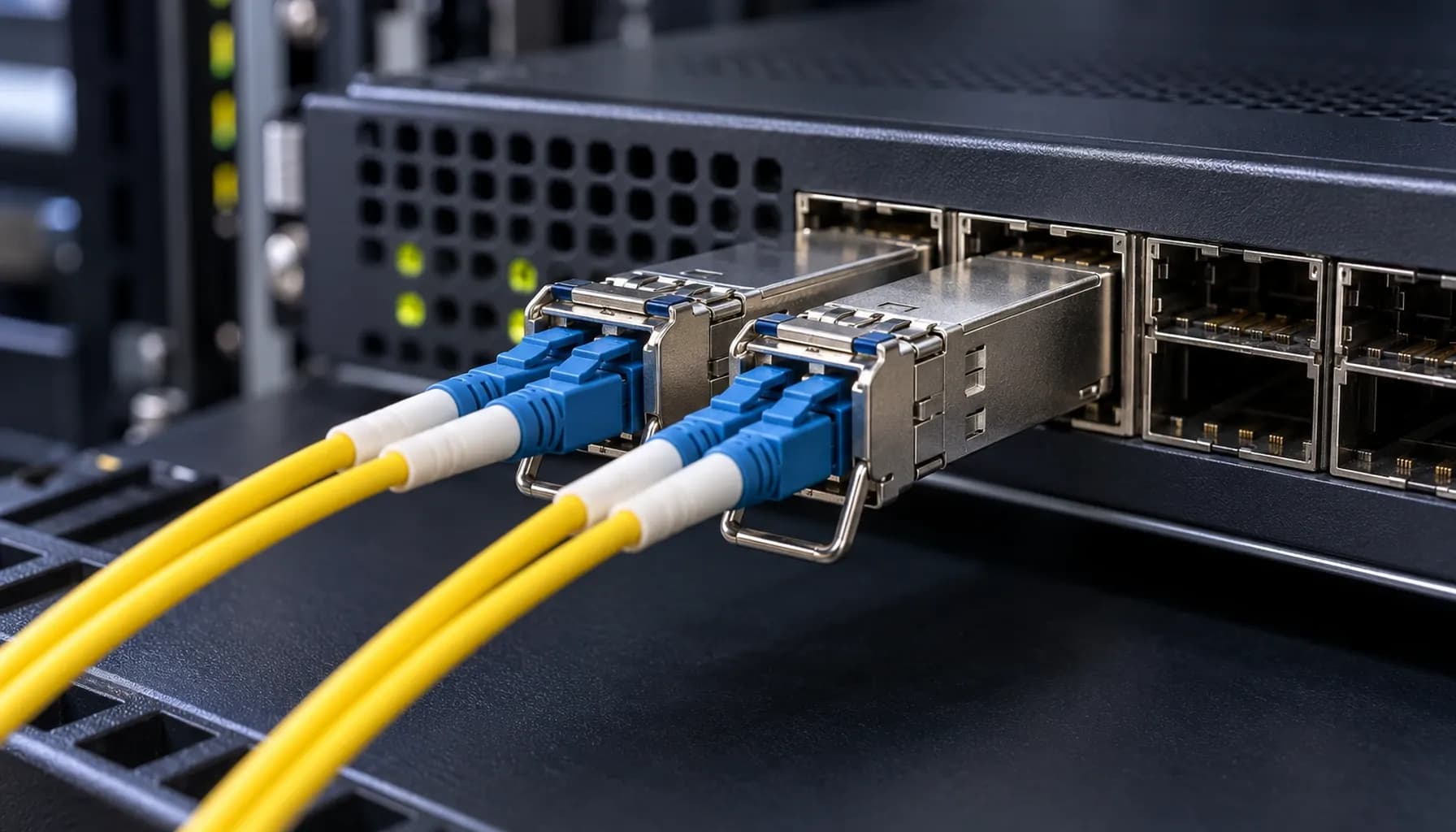
OS2 vs OM3/OM4 Migration Roadmap 2026: Future-Proofing UAE Fiber Without Forklift Upgrades
OS2 vs OM3/OM4 Migration Roadmap 2026: Future-Proofing UAE Fiber Without Forklift Upgrades The 2026 Fiber Dilemma: Single-Mode OS2 vs Multi-Mode OM3/OM4 As UAE enterprises prepare for 2026, the looming question is how to upgrade their fiber infrastructure to meet escalating bandwidth demands without incurring the cost and disruption of a complete forklift upgrade. The choice between single-mode OS2 and multi-mode OM3/OM4 fibers is not merely a technical decision but a strategic one that impacts cost, performance, and future scalability. In this article, we will explore a migration roadmap that leverages existing investments in multi-mode OM3/OM4 while strategically integrating single-mode OS2 for long-term growth. We will ground our analysis in real-world deployments involving Cisco Catalyst/Nexus, Arista 7050X, and Juniper QFX switches, providing actionable insights for UAE network architects. Section 1: Distance, Loss, and Cost: The Core Trade-Offs Distance and Loss Characteristics Single-mode OS2 fiber offers superior distance capabilities, supporting up to 10,000 meters (10 km) at 10 Gbps with minimal loss (typically around 0.4 dB/km). In contrast, multi-mode OM3 fiber supports up to 300 meters at 10 Gbps with a higher loss rate (around 3 dB/km), while OM4 extends this to 550 meters with slightly better performance (approximately 2.7 dB/km). These differences in distance and loss have direct implications for network design. For instance, in large data centers or campus networks where long cable runs are common, OS2 is the clear choice. However, for intra-building or short-reach applications, OM3/OM4 can be more cost-effective. Cost Considerations The cost of OS2 fiber and associated transceivers is generally higher than that of OM3/OM4. However, the total cost of ownership (TCO) must consider not just the initial capital expenditure (Capex) but also the operational expenditure (Opex) over the network's lifespan. Key takeaway: While OS2 incurs higher Capex due to fiber and transceiver costs, its lower loss and longer reach can reduce the need for signal regeneration, potentially lowering Opex. Capex vs Opex for Single-Mode OS2 and Multi-Mode OM3/OM4 Fiber Backbones: UAE Cost Engineering & ROI Benchmarks Section 2: High-Density Comparison Table To provide a comprehensive comparison, we have compiled a high-density table detailing the specifications, standards, and key metrics for OS2, OM3, and OM4 fibers. | **Specification** | **OS2 Single-Mode** | **OM3 Multi-Mode** | **OM4 Multi-Mode** | |-----------------------------|---------------------|---------------------|---------------------| | **Core Diameter** | 8-10 μm | 50 μm | 50 μm | | **Cladding Diameter** | 125 μm | 125 μm | 125 μm | | **Wavelength** | 1310/1550 nm | 850 nm | 850 nm | | **Bandwidth (EMB at 850 nm)** | N/A | 2000 MHz·km | 4700 MHz·km | | **Maximum Attenuation** | 0.4 dB/km | 3.0 dB/km | 2.7 dB/km | | **Distance at 10 Gbps** | 10,000 m | 300 m | 550 m | | **Distance at 40/100 Gbps**| N/A | 100 m | 150 m | | **Standards Compliance** | ITU-T G.652.D | TIA/EIA 492AAAC-A1 | TIA/EIA 492AAAD | | **Typical Applications** | Long-haul, Data Centers, Campus Networks | Data Centers, Short-Reach Interconnects | Data Centers, Medium-Reach Interconnects | Key takeaway: OS2 is ideal for long-haul and high-bandwidth applications, while OM3/OM4 are suited for shorter distances and high-density interconnects. Section 3: Multi-Vendor Switch Compatibility and CLI Configuration Cisco, Arista, and Juniper Compatibility When upgrading to OS2 or OM3/OM4, ensuring compatibility with existing network equipment is crucial. Below are sample CLI configurations for Cisco, Arista, and Juniper switches to help you integrate these fibers into your network. Cisco Catalyst/Nexus Configuration Arista 7050X Configuration Juniper QFX Configuration Key takeaway: Proper CLI configuration ensures seamless integration of OS2 and OM3/OM4 fibers with multi-vendor switches, facilitating a smooth migration. Section 4: Strategic Migration Roadmap Step 1: Assess Current Infrastructure Begin by conducting a thorough assessment of your current fiber infrastructure. Identify areas where OS2 can be deployed for long-haul connections and where OM3/OM4 can be retained for short-reach applications. Step 2: Plan for Hybrid Deployment Adopt a hybrid deployment strategy that leverages the strengths of both fiber types. Use OS2 for backbone connections and OM3/OM4 for intra-building and high-density interconnects. Step 3: Implement Phased Migration Implement a phased migration plan to minimize disruption. Start by upgrading critical backbone links to OS2, followed by strategic deployments of OM3/OM4 for high-density areas. Step 4: Leverage Existing Investments Reuse existing OM3/OM4 fibers where possible to reduce costs. For instance, in environments where 10 Gbps is sufficient, OM3/OM4 can still be a viable option. Step 5: Monitor and Optimize Continuously monitor network performance and optimize as needed. Use tools like OTDR (Optical Time-Domain Reflectometer) to analyze fiber health and troubleshoot issues. Key takeaway: A phased, hybrid migration approach allows for cost-effective upgrades while maintaining network performance and reliability. Section 5: Troubleshooting and Verification DOM Alarms and OTDR Analysis When deploying OS2 and OM3/OM4 fibers, it's essential to monitor for DOM (Digital Optical Monitoring) alarms and use OTDR for event analysis. For detailed guidance, refer to our Strinex Engineer's Handbook: Troubleshooting Single-Mode (OS2) vs Multi-Mode (OM3/OM4) . Wiring and CLI Verification Ensure proper wiring and use CLI commands to verify connections. For a comprehensive guide, consult our Single-Mode (OS2) vs Multi-Mode (OM3/OM4) Wiring & CLI Verification Cheat-Sheet . Key takeaway: Effective troubleshooting and verification are critical for maintaining network integrity and performance. Conclusion The 2026 fiber migration in the UAE requires a balanced approach that considers both current and future needs. By strategically integrating single-mode OS2 with multi-mode OM3/OM4 fibers, enterprises can achieve a future-proof infrastructure without the cost and disruption of a complete overhaul. This roadmap provides a practical guide for network architects and engineers to navigate the complexities of fiber migration, ensuring optimal performance and cost-efficiency. Final Key takeaway: Future-proofing UAE fiber networks involves a hybrid approach, leveraging the strengths of both OS2 and OM3/OM4 fibers to meet diverse application requirements and ensure long-term scalability.