
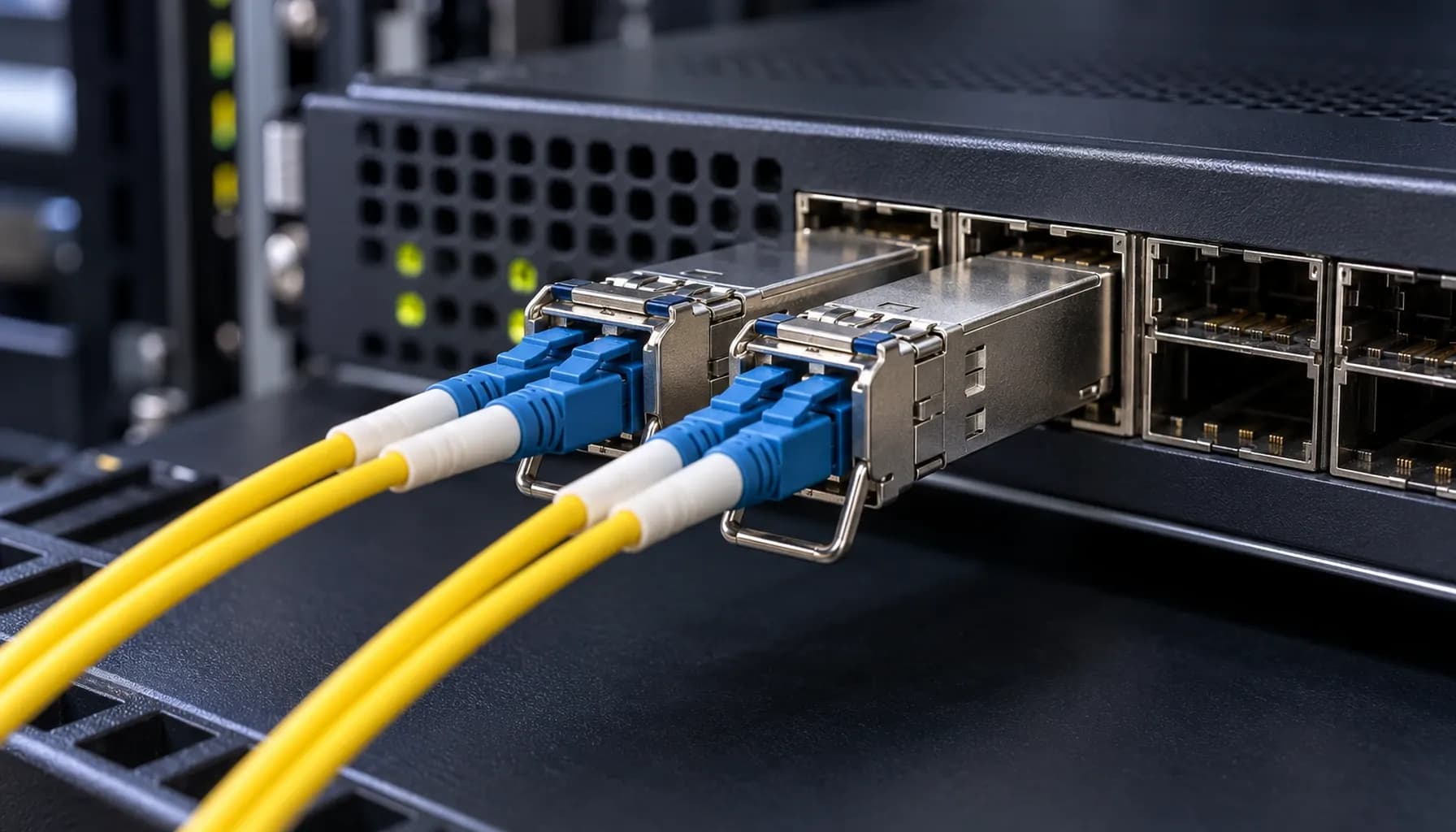
OS2 vs OM3/OM4 Migration Roadmap 2026: Future-Proofing UAE Fiber Without Forklift Upgrades
The 2026 Fiber Dilemma: Single-Mode OS2 vs Multi-Mode OM3/OM4
As UAE enterprises prepare for 2026, the looming question is how to upgrade their fiber infrastructure to meet escalating bandwidth demands without incurring the cost and disruption of a complete forklift upgrade. The choice between single-mode OS2 and multi-mode OM3/OM4 fibers is not merely a technical decision but a strategic one that impacts cost, performance, and future scalability.
In this article, we will explore a migration roadmap that leverages existing investments in multi-mode OM3/OM4 while strategically integrating single-mode OS2 for long-term growth. We will ground our analysis in real-world deployments involving Cisco Catalyst/Nexus, Arista 7050X, and Juniper QFX switches, providing actionable insights for UAE network architects.
Section 1: Distance, Loss, and Cost: The Core Trade-Offs
Distance and Loss Characteristics
Single-mode OS2 fiber offers superior distance capabilities, supporting up to 10,000 meters (10 km) at 10 Gbps with minimal loss (typically around 0.4 dB/km). In contrast, multi-mode OM3 fiber supports up to 300 meters at 10 Gbps with a higher loss rate (around 3 dB/km), while OM4 extends this to 550 meters with slightly better performance (approximately 2.7 dB/km).
These differences in distance and loss have direct implications for network design. For instance, in large data centers or campus networks where long cable runs are common, OS2 is the clear choice. However, for intra-building or short-reach applications, OM3/OM4 can be more cost-effective.
Cost Considerations
The cost of OS2 fiber and associated transceivers is generally higher than that of OM3/OM4. However, the total cost of ownership (TCO) must consider not just the initial capital expenditure (Capex) but also the operational expenditure (Opex) over the network's lifespan.
Key takeaway: While OS2 incurs higher Capex due to fiber and transceiver costs, its lower loss and longer reach can reduce the need for signal regeneration, potentially lowering Opex. Capex vs Opex for Single-Mode OS2 and Multi-Mode OM3/OM4 Fiber Backbones: UAE Cost Engineering & ROI Benchmarks
Section 2: High-Density Comparison Table
To provide a comprehensive comparison, we have compiled a high-density table detailing the specifications, standards, and key metrics for OS2, OM3, and OM4 fibers.
| **Specification** | **OS2 Single-Mode** | **OM3 Multi-Mode** | **OM4 Multi-Mode** |
|---|---|---|---|
| **Core Diameter** | 8-10 μm | 50 μm | 50 μm |
| **Cladding Diameter** | 125 μm | 125 μm | 125 μm |
| **Wavelength** | 1310/1550 nm | 850 nm | 850 nm |
| **Bandwidth (EMB at 850 nm)** | N/A | 2000 MHz·km | 4700 MHz·km |
| **Maximum Attenuation** | 0.4 dB/km | 3.0 dB/km | 2.7 dB/km |
| **Distance at 10 Gbps** | 10,000 m | 300 m | 550 m |
| **Distance at 40/100 Gbps** | N/A | 100 m | 150 m |
| **Standards Compliance** | ITU-T G.652.D | TIA/EIA 492AAAC-A1 | TIA/EIA 492AAAD |
| **Typical Applications** | Long-haul, Data Centers, Campus Networks | Data Centers, Short-Reach Interconnects | Data Centers, Medium-Reach Interconnects |
Key takeaway: OS2 is ideal for long-haul and high-bandwidth applications, while OM3/OM4 are suited for shorter distances and high-density interconnects.
Section 3: Multi-Vendor Switch Compatibility and CLI Configuration
Cisco, Arista, and Juniper Compatibility
When upgrading to OS2 or OM3/OM4, ensuring compatibility with existing network equipment is crucial. Below are sample CLI configurations for Cisco, Arista, and Juniper switches to help you integrate these fibers into your network.
Cisco Catalyst/Nexus Configuration
1# Configure Gigabit Interface on Cisco Nexus2interface GigabitEthernet1/0/13 description OS2 Single-Mode Connection4 switchport mode trunk5 switchport trunk allowed vlan 10,20,306 speed 10007 duplex full8 no shutdownArista 7050X Configuration
1# Configure 10G Interface on Arista 7050X2interface Ethernet13 description OM3 Multi-Mode Connection4 no switchport5 ip address 192.168.1.1/246 speed forced 10G7 no shutdownJuniper QFX Configuration
1# Configure 40G Interface on Juniper QFX2interfaces {3 et-0/0/1 {4 description OM4 Multi-Mode Connection5 unit 0 {6 family ethernet-switching {7 port-mode trunk8 vlan {9 members [ VLAN10 VLAN20 VLAN30 ]10 }11 }12 }13 ether-options {14 speed 40g15 }16 }17}Key takeaway: Proper CLI configuration ensures seamless integration of OS2 and OM3/OM4 fibers with multi-vendor switches, facilitating a smooth migration.
Section 4: Strategic Migration Roadmap
Step 1: Assess Current Infrastructure
Begin by conducting a thorough assessment of your current fiber infrastructure. Identify areas where OS2 can be deployed for long-haul connections and where OM3/OM4 can be retained for short-reach applications.
Step 2: Plan for Hybrid Deployment
Adopt a hybrid deployment strategy that leverages the strengths of both fiber types. Use OS2 for backbone connections and OM3/OM4 for intra-building and high-density interconnects.
Step 3: Implement Phased Migration
Implement a phased migration plan to minimize disruption. Start by upgrading critical backbone links to OS2, followed by strategic deployments of OM3/OM4 for high-density areas.
Step 4: Leverage Existing Investments
Reuse existing OM3/OM4 fibers where possible to reduce costs. For instance, in environments where 10 Gbps is sufficient, OM3/OM4 can still be a viable option.
Step 5: Monitor and Optimize
Continuously monitor network performance and optimize as needed. Use tools like OTDR (Optical Time-Domain Reflectometer) to analyze fiber health and troubleshoot issues.
Key takeaway: A phased, hybrid migration approach allows for cost-effective upgrades while maintaining network performance and reliability.
Section 5: Troubleshooting and Verification
DOM Alarms and OTDR Analysis
When deploying OS2 and OM3/OM4 fibers, it's essential to monitor for DOM (Digital Optical Monitoring) alarms and use OTDR for event analysis. For detailed guidance, refer to our Strinex Engineer's Handbook: Troubleshooting Single-Mode (OS2) vs Multi-Mode (OM3/OM4).
Wiring and CLI Verification
Ensure proper wiring and use CLI commands to verify connections. For a comprehensive guide, consult our Single-Mode (OS2) vs Multi-Mode (OM3/OM4) Wiring & CLI Verification Cheat-Sheet.
Key takeaway: Effective troubleshooting and verification are critical for maintaining network integrity and performance.
Conclusion
The 2026 fiber migration in the UAE requires a balanced approach that considers both current and future needs. By strategically integrating single-mode OS2 with multi-mode OM3/OM4 fibers, enterprises can achieve a future-proof infrastructure without the cost and disruption of a complete overhaul. This roadmap provides a practical guide for network architects and engineers to navigate the complexities of fiber migration, ensuring optimal performance and cost-efficiency.
Final Key takeaway: Future-proofing UAE fiber networks involves a hybrid approach, leveraging the strengths of both OS2 and OM3/OM4 fibers to meet diverse application requirements and ensure long-term scalability.