
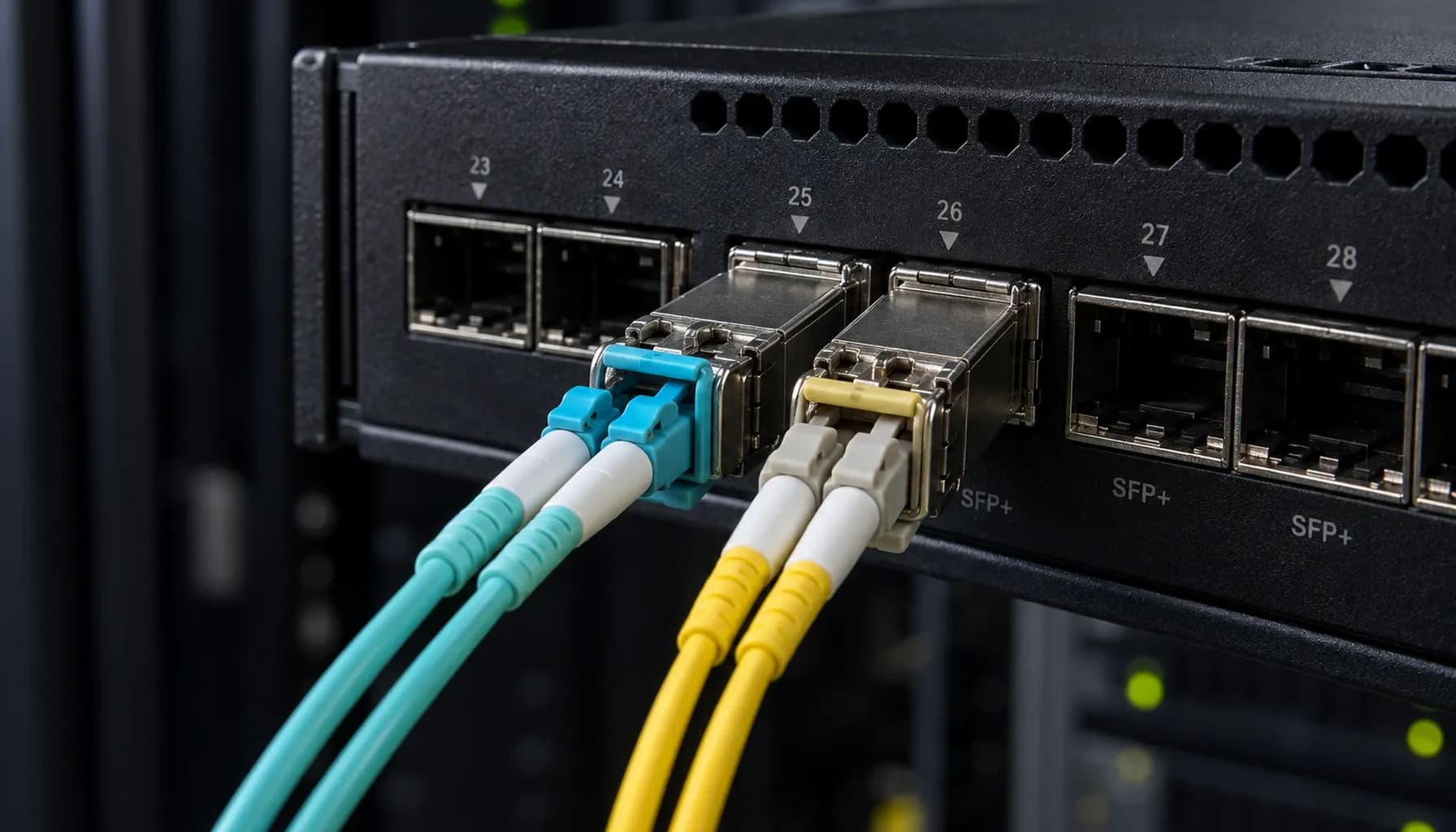
Deploying 100G DAC vs AOC in UAE Data Centers: Installation Standards, Bend Radius & Bring-Up Checklist
Introduction: The 100G Connectivity Challenge in UAE Data Centers
In the rapidly evolving landscape of UAE data centers, the demand for high-speed, reliable, and cost-effective 100G connectivity solutions is at an all-time high. As data center architects and network engineers, we are tasked with deploying these high-speed connections using either Direct Attach Copper (DAC) or Active Optical Cables (AOC) for Top-of-Rack (ToR) switch interconnects. This article delves into the practical aspects of deploying 100G DAC and AOC cables, focusing on installation standards, bend radius considerations, and a comprehensive bring-up checklist. We will also provide multi-vendor switch compatibility and CLI configuration examples for Cisco, Arista, and Juniper switches.
1. DAC vs AOC: A High-Density Comparison
Key Specifications and Standards
When selecting between DAC and AOC for 100G ToR interconnects, it's crucial to understand the technical specifications, standards, and metrics that differentiate these solutions. The following table provides a high-density comparison:
| **Specification** | **100G DAC** | **100G AOC** |
|---|---|---|
| **Cable Type** | Twin-axial copper cable | Multimode fiber optic cable |
| **Reach** | Up to 5 meters | Up to 100 meters |
| **Power Consumption** | Lower (typically < 1W per port) | Higher (typically 1-2W per port) |
| **Bend Radius** | Less flexible, minimum bend radius of 1 inch | More flexible, minimum bend radius of 1.5 inches |
| **Latency** | Lower (sub-1 microsecond) | Slightly higher (1-2 microseconds) |
| **Cost** | Lower per meter | Higher per meter |
| **Standards Compliance** | SFF-8402, SFF-8419, IEEE 802.3bj | SFF-8431, SFF-8636, IEEE 802.3bm |
| **EMI/RFI Immunity** | Susceptible to electromagnetic interference | Immune to electromagnetic interference |
| **Typical Use Cases** | Short-reach, high-density environments (e.g., intra-rack connections) | Longer-reach, flexible deployments (e.g., inter-rack connections) |
Key takeaway: DAC is ideal for short-reach, cost-sensitive applications, while AOC offers greater flexibility and reach at a higher cost.
Vendor-Specific Considerations
- Cisco: Cisco's SFP-100G-DAC and QSFP-100G-AOC modules are widely used in Catalyst and Nexus series switches. Cisco's DAC cables are known for their robust build and reliability, while their AOC cables offer excellent signal integrity.
- Arista: Arista's 100G DAC and AOC solutions are designed for high-performance computing and data center environments. The Arista 7050X series switches are compatible with both DAC and AOC, with AOC being the preferred choice for longer distances.
- Juniper: Juniper's QFX series switches support both DAC and AOC, with the QFX10002 being a popular choice for 100G deployments. Juniper's DAC cables are optimized for low latency and high throughput.
2. Installation Standards and Bend Radius
DAC Installation Standards
- Bend Radius: DAC cables have a minimum bend radius of 1 inch. Exceeding this can cause signal degradation and potential damage to the cable.
- Routing: DAC cables should be routed in a manner that avoids sharp bends and excessive tension. Use cable management arms and trays to secure and organize cables.
- Grounding: Proper grounding is essential to prevent electromagnetic interference. Ensure that the cable's shielding is connected to the switch's grounding point.
AOC Installation Standards
- Bend Radius: AOC cables are more flexible, with a minimum bend radius of 1.5 inches. However, excessive bending should still be avoided to prevent fiber damage.
- Routing: AOC cables can be routed more flexibly than DAC cables, but they should still be secured to prevent strain on the connectors.
- Cleaning: Fiber optic connectors are sensitive to contamination. Use appropriate cleaning tools and techniques to maintain connector cleanliness.
Strinex Spec Sheet: DAC vs AOC Hardware Comparison in ToR — Reach, Power, Latency & Vendor Benchmarks
For a more detailed comparison of DAC and AOC hardware specifications, including reach, power consumption, latency, and vendor benchmarks, refer to our comprehensive spec sheet.
3. Multi-Vendor Switch Compatibility and CLI Configuration
Cisco Configuration Example
1interface TenGigabitEthernet1/1/12 description 100G DAC Connection to Server3 speed 100g4 duplex fullArista Configuration Example
1interface Ethernet12 description 100G AOC Connection to Server3 speed forced 100g4 duplex fullJuniper Configuration Example
1interfaces {2 et-0/0/1 {3 description "100G DAC Connection to Server";4 unit 0 {5 family ethernet-switching {6 port-mode trunk;7 }8 }9 }10}Direct Attach Copper (DAC) vs Active Optical Cables (AOC) in ToR: Comprehensive Engineering & Architecture Guide: The Complete UAE Engineering Guide (2026)
For a comprehensive guide on DAC and AOC engineering and architecture, including detailed configuration examples and best practices, refer to our complete UAE engineering guide.
4. Bring-Up Checklist for 100G DAC and AOC Deployments
Pre-Installation
- Verify Compatibility: Ensure that the DAC or AOC cables are compatible with the switch models and configurations.
- Inspect Cables: Check for any physical damage or defects in the cables and connectors.
- Plan Routing: Plan the cable routing to avoid interference with other equipment and ensure proper bend radius compliance.
Installation
- Secure Connections: Insert the cables into the switch ports and server ports firmly. Ensure that the connectors are fully seated.
- Route Cables: Route the cables according to the planned path, ensuring that the bend radius is not exceeded.
- Secure Cables: Use cable ties and trays to secure the cables and prevent strain on the connectors.
Post-Installation
- Inspect Connections: Verify that all connections are secure and that there are no loose cables.
- Check Link Status: Use the switch CLI to check the link status and ensure that the 100G connection is up.
- Monitor Performance: Monitor the link performance for any signs of signal degradation or errors.
OS2 vs OM3/OM4 Migration Roadmap 2026: Future-Proofing UAE Fiber Without Forklift Upgrades
For insights into future-proofing your fiber infrastructure, including migration strategies for OS2 and OM3/OM4 fibers, refer to our migration roadmap.
5. Capex vs Opex: Cost Engineering and ROI Benchmarks
Cost Considerations
- Initial Costs: DAC cables have a lower initial cost compared to AOC cables. However, AOC cables offer longer reach and greater flexibility, which can reduce the need for additional equipment and infrastructure.
- Operational Costs: AOC cables consume more power than DAC cables, which can impact operational costs over time. However, the flexibility and reach of AOC can lead to lower maintenance and replacement costs.
Capex vs Opex for Single-Mode OS2 and Multi-Mode OM3/OM4 Fiber Backbones: UAE Cost Engineering & ROI Benchmarks
For a detailed analysis of capex and opex for different fiber backbone solutions, including OS2 and OM3/OM4 fibers, refer to our cost engineering and ROI benchmarks.
Conclusion
Deploying 100G DAC and AOC cables in UAE data centers requires careful consideration of installation standards, bend radius, and multi-vendor compatibility. By following the guidelines outlined in this article and leveraging the resources provided, you can ensure a successful and efficient deployment that meets the high-speed connectivity demands of your data center.
Key takeaway: DAC and AOC each have their own advantages and trade-offs. Understanding these can help you make an informed decision that aligns with your data center's specific needs and constraints.
By adhering to the installation standards and best practices, and by utilizing the appropriate CLI configurations, you can ensure optimal performance and reliability for your 100G interconnects.