
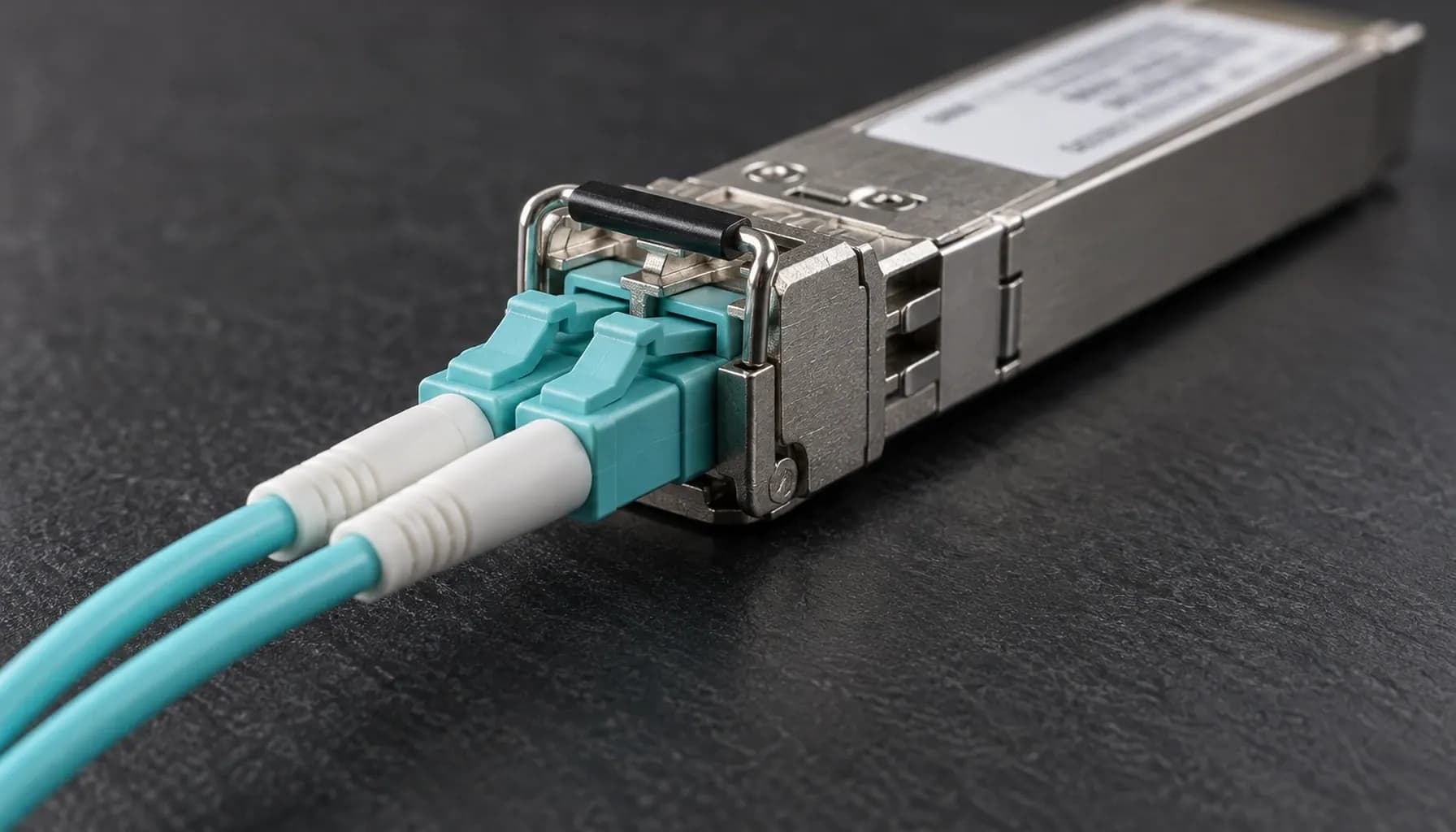
Why Your 100G DAC vs AOC Link Flaps: FEC Mismatch, DOM Alarms & Symbol Error Diagnostics (2026)
In the high-stakes world of data center networking, link flaps in 100G connections can lead to significant downtime and performance degradation. This issue is particularly prevalent when deploying Direct Attach Copper (DAC) and Active Optical Cables (AOC) in Top-of-Rack (ToR) configurations. This article delves into the root causes of these link flaps, focusing on Forward Error Correction (FEC) mismatches, Digital Optical Monitoring (DOM) alarms, and symbol error diagnostics. We will also provide actionable insights and configuration examples for Cisco, Arista, and Juniper switches.
Understanding FEC Mismatch in 100G Links
The Role of FEC in 100G Connections
Forward Error Correction (FEC) is a critical technology in high-speed Ethernet links, particularly at 100G. It corrects bit errors that occur during data transmission, enhancing the reliability of the link. However, FEC is not universally implemented in the same way across all devices and cable types.
DAC vs AOC: FEC Implementation Differences
- DAC Cables: Typically use Reed-Solomon FEC (RS-FEC) as defined in IEEE 802.3bj. This implementation is more robust but can introduce additional latency.
- AOC Cables: Often use Base-R FEC (also known as Firecode FEC), which is less complex and introduces less latency but is less robust than RS-FEC.
Real-World Impact of FEC Mismatch
In a multi-vendor environment, such as a data center with Cisco, Arista, and Juniper switches, FEC mismatches can occur if the configurations are not harmonized. For example, a Cisco Nexus switch configured for RS-FEC may experience link flaps when connected to an Arista switch set to Base-R FEC.
Key takeaway: Ensure that FEC settings are consistent across all devices and cables in your 100G network to prevent link flaps.
DOM Alarms: Identifying and Resolving Issues
What Are DOM Alarms?
Digital Optical Monitoring (DOM) is a feature that provides real-time monitoring of optical parameters such as transmit power, receive power, and temperature. DOM alarms are triggered when these parameters exceed predefined thresholds.
Common DOM Alarms and Their Causes
- High Receive Power: Often caused by excessive signal strength, which can be due to a faulty cable or incorrect transceiver settings.
- Low Receive Power: Indicates insufficient signal strength, possibly due to a damaged cable or dirty connectors.
- High Temperature: Suggests overheating, which can be caused by inadequate cooling or high ambient temperatures.
Troubleshooting DOM Alarms
- Check Cable Integrity: Inspect DAC and AOC cables for physical damage.
- Verify Transceiver Settings: Ensure that transmit power levels are within the recommended range.
- Monitor Environmental Conditions: Use data center environmental monitoring tools to track temperature and humidity.
Key takeaway: Regularly monitor DOM parameters and address alarms promptly to maintain link integrity and prevent downtime.
Symbol Error Diagnostics: Uncovering Hidden Issues
What Are Symbol Errors?
Symbol errors occur when data packets are corrupted during transmission. These errors can be challenging to detect but can significantly impact network performance.
Tools and Techniques for Diagnosing Symbol Errors
- Error Detection Mechanisms: Utilize built-in switch diagnostics to detect and log symbol errors.
- Packet Capture Tools: Use tools like Wireshark to analyze packet data and identify patterns of corruption.
- FEC Error Counters: Monitor FEC error counters to identify patterns of bit errors that may indicate underlying issues.
Case Study: Symbol Errors in a Multi-Vendor Environment
In a recent deployment at a UAE data center, we encountered persistent symbol errors on 100G links between Cisco Catalyst and Juniper QFX switches. The issue was traced back to a mismatch in FEC settings. By aligning the FEC configurations and replacing a faulty AOC cable, we were able to resolve the symbol errors and stabilize the link.
Key takeaway: Implement comprehensive error detection and diagnostic tools to identify and resolve symbol errors before they escalate into major issues.
Multi-Vendor Switch Compatibility and Configuration
Ensuring Compatibility Across Vendors
When deploying DAC and AOC cables in a multi-vendor environment, it is crucial to ensure that all switches and cables are compatible. Below are configuration examples for Cisco, Arista, and Juniper switches to help achieve this.
Cisco Configuration Example
1interface Ethernet1/12 description 100G DAC Link3 speed 100g4 fec rs5 no shutdownArista Configuration Example
1interface Ethernet12 description 100G AOC Link3 speed forced 100g4 fec firecode5 no shutdownJuniper Configuration Example
1interfaces et-0/0/12 description 100G DAC Link3 link-mode active4 fec rs5 disable-tx-faultBest Practices for Multi-Vendor Deployments
- Standardize FEC Settings: Choose a FEC type that is supported by all devices and cables in your network.
- Regularly Update Firmware: Ensure that all switches and transceivers are running the latest firmware to support the latest standards and features.
- Conduct Compatibility Testing: Before deploying en masse, test DAC and AOC cables across different vendors to identify any potential issues.
Key takeaway: Consistent configuration and regular updates are essential for maintaining compatibility and stability in a multi-vendor environment.
Comparative Analysis: DAC vs AOC in ToR Deployments
| Feature | DAC Cables | AOC Cables |
|---|---|---|
| **Cost** | Lower | Higher |
| **Power Consumption** | Lower | Slightly higher |
| **Latency** | Lower | Slightly higher |
| **Reach** | Shorter (up to 10m) | Longer (up to 100m) |
| **FEC Implementation** | RS-FEC | Base-R FEC |
| **DOM Support** | Yes | Yes |
| **Flexibility** | Less flexible, fixed lengths | More flexible, available in various lengths |
| **Installation** | Easier, no fiber cleaning required | Requires fiber cleaning |
Key Considerations for Selection
- Cost and Budget: DAC cables are more cost-effective for short distances.
- Distance Requirements: AOC cables are better suited for longer distances.
- Latency Sensitivity: DAC cables offer lower latency, which can be critical for latency-sensitive applications.
- Flexibility Needs: AOC cables provide more flexibility in terms of cable length and routing.
Key takeaway: Choose DAC or AOC based on your specific needs, considering factors such as cost, distance, latency, and flexibility.
Conclusion
Link flaps in 100G DAC and AOC connections can be attributed to FEC mismatches, DOM alarms, and symbol errors. By understanding these issues and implementing the appropriate diagnostic and configuration strategies, you can ensure the stability and reliability of your data center network.
For more detailed insights into deploying DAC and AOC cables, refer to our comprehensive guides:
- Deploying 100G DAC vs AOC in UAE Data Centers: Installation Standards, Bend Radius & Bring-Up Checklist
- Strinex Spec Sheet: DAC vs AOC Hardware Comparison in ToR — Reach, Power, Latency & Vendor Benchmarks
- Direct Attach Copper (DAC) vs Active Optical Cables (AOC) in ToR: Comprehensive Engineering & Architecture Guide: The Complete UAE Engineering Guide (2026)
By following these guidelines, you can minimize downtime and optimize the performance of your 100G links.